
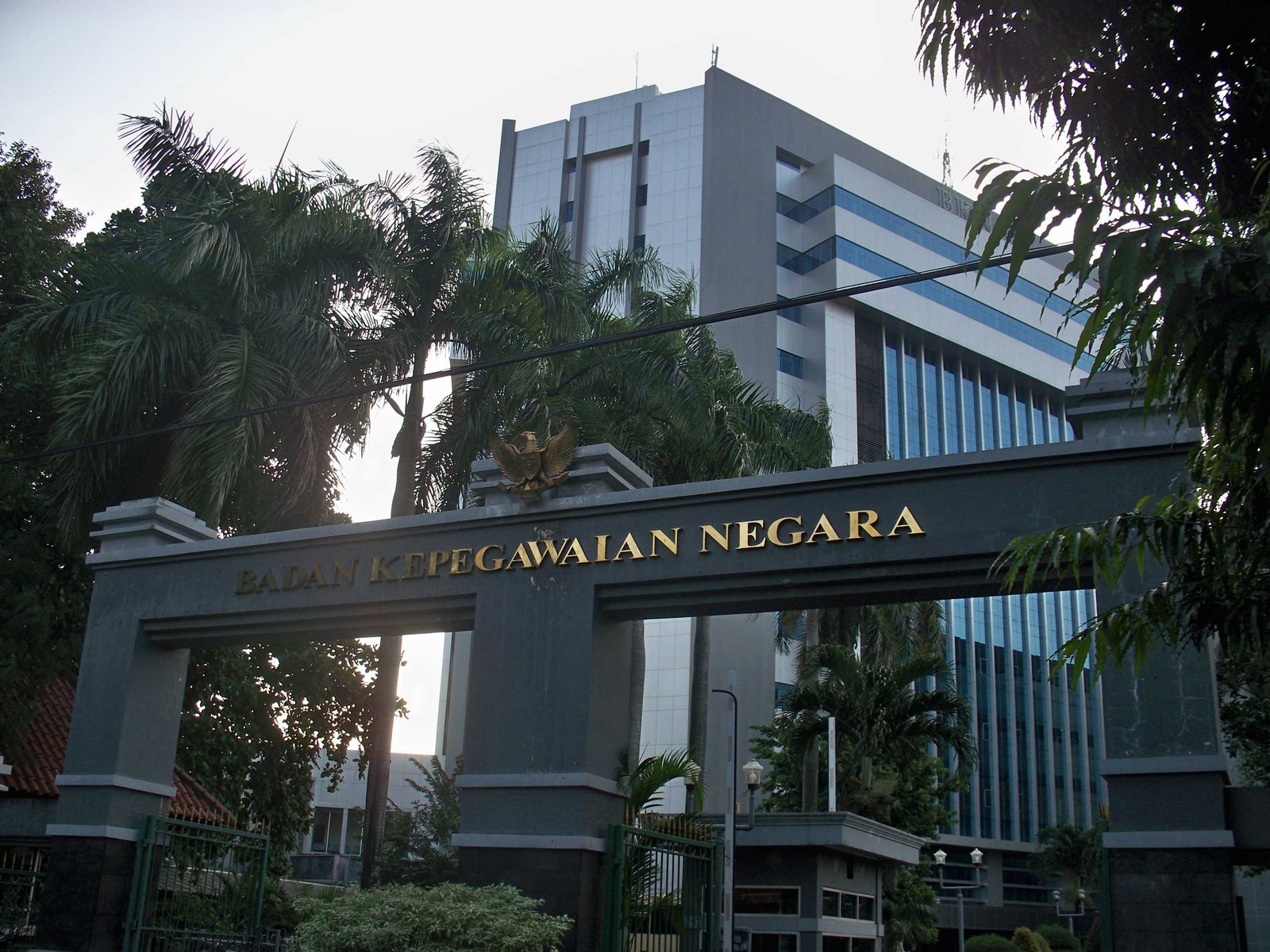
One Gateway: The BKN SSCASN Portal
SSCASN (the Candidate State Civil Apparatus Selection System) is the integrated registration portal serving as the only official gateway for ASN recruitment. This definition is stated in BKN Regulation No. 5 of 2024.
The SSCASN system connects directly to the Home Ministry's Dukcapil for ID number verification, DIKTI for diploma verification, and the central BKN for personnel data validation. There are no shortcuts — all legitimate CPNS registrations go through this single portal.
General CPNS Registration Requirements
Applicants must be Indonesian citizens aged at least 18 and at most 35; the 40-year maximum applies to certain posts such as doctors, lecturers, researchers, and engineers. Applicants must be physically and mentally healthy and hold educational qualifications matching the applied position.
Additionally, applicants must never have been sentenced to two or more years in prison, never been dishonorably dismissed as civil servants, military, police, or private employees, must not currently hold CPNS/PNS/TNI/Polri status, must not be members or officers of a political party, and must be willing to be placed anywhere in Indonesia.
Documents to Prepare
Prepare all documents in digital format (PDF/JPG) with clear scans: ID card, latest family card, original diploma matching the educational qualification, original transcript, formal red-background photo, and a selfie.
Add the stamped application letter and declaration letter in the agency's format, plus supporting documents such as a registration certificate (STR) for health workers or an educator certificate for teachers if required by the formation. Make sure your ID number and civil data are valid at Dukcapil before registering.
Registration Flow on SSCASN
Open the official sscasn.bkn.go.id site — ensure the URL is correct and shows the padlock icon. Click "Buat Akun" and enter your national ID number, family card number, full name, and place and date of birth per Dukcapil data, then create a strong password and print the Account Information Card as proof.
Log in with your ID number and password, complete your biodata and upload a selfie, choose the CPNS selection type, then pick one agency and one position matching your educational qualification. Upload all documents into the provided fields.
Double-check all data and documents, then click resume and print the registration card. Remember: resumed data cannot be changed for any reason. CPNS registration is free — if anyone demands payment promising an easy pass, it is fraud.