Buy and Top Up Electricity Tokens From Your Phone
Prepaid electricity users no longer need to leave home to buy tokens. The 20-digit token code can now be purchased by phone — from the official PLN Mobile app, mobile banking, or marketplaces — and entered into the meter yourself.
Token denominations vary, generally starting from IDR 20 thousand and up. After successful payment, you receive the 20-digit code ready to be entered into the home kWh meter.
How to Buy Tokens via PLN Mobile
Open the installed PLN Mobile app and choose the “Kelistrikan” (Electricity) menu. Enter the customer ID or meter number; if it is not saved yet, use the “Token dan Pembayaran” (Token and Payment) feature.
Select the customer ID number, click “Beli Token” (Buy Token), choose the desired denomination, then pick a payment method and complete the transaction. Once successful, click “Lihat Transaksi Saya” (View My Transactions) to see the 20-digit token number for the meter.
How to Buy via M-Banking and Minimarkets
Via BRImo: open the app, choose “Isi Ulang” (Top Up) → “PLN” → transaction type “PLN Prabayar” (Prepaid PLN) → enter the customer ID → pick a denomination → confirm with PIN. The voucher code is sent by SMS. Via Livin’ by Mandiri: the “Beli” (Buy) or “Top Up” menu → “PLN Prabayar” → enter the customer ID → pick a denomination → confirm with MPIN. Via m-BCA: “m-Commerce” → “PLN Prabayar” → enter the meter number/customer ID → pick a denomination.
For those without mobile banking, visit the nearest minimarket such as Alfamart or Indomaret. Show the customer ID number to the cashier, state the amount to buy, pay, and the cashier will hand over a receipt with the 20-digit code. Marketplaces like Tokopedia and Shopee also sell electricity tokens.
How to Enter the Token Into the Meter
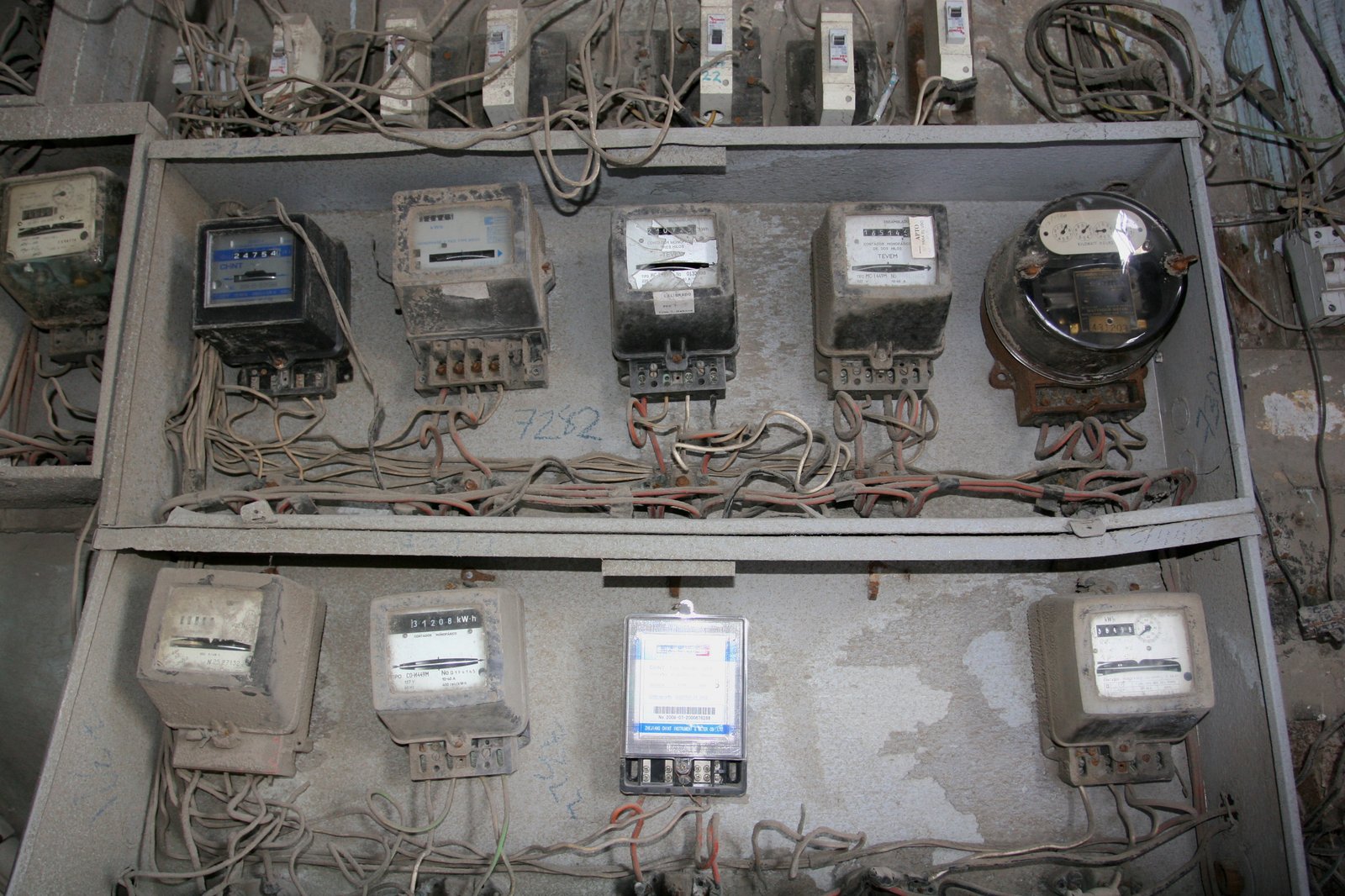
Go to the home kWh meter, type the 20-digit token number carefully, then press “Enter” or the green arrow button. If the code is correct, the meter beeps and shows the “BENAR” (CORRECT) label, and the kWh balance increases by the purchased amount.
Warning: do not enter the code incorrectly. Three wrong attempts will automatically block the meter — you will need to contact PLN to unblock it. If “SALAH” (WRONG) or “REJECT” appears, recheck the digits before pressing Enter.